The studio portal

Members, plans and equipment.
Together in your browser.

Manage plans, equipment and member support in your browser. Explore the features below with screenshots from a demo gym. Interface details may vary by version.

Nothing to install No per-seat licence Light & dark Works on a tablet In 5 languages, per user
https://api.your-gym.com/my-studio/admin#/mitglieder
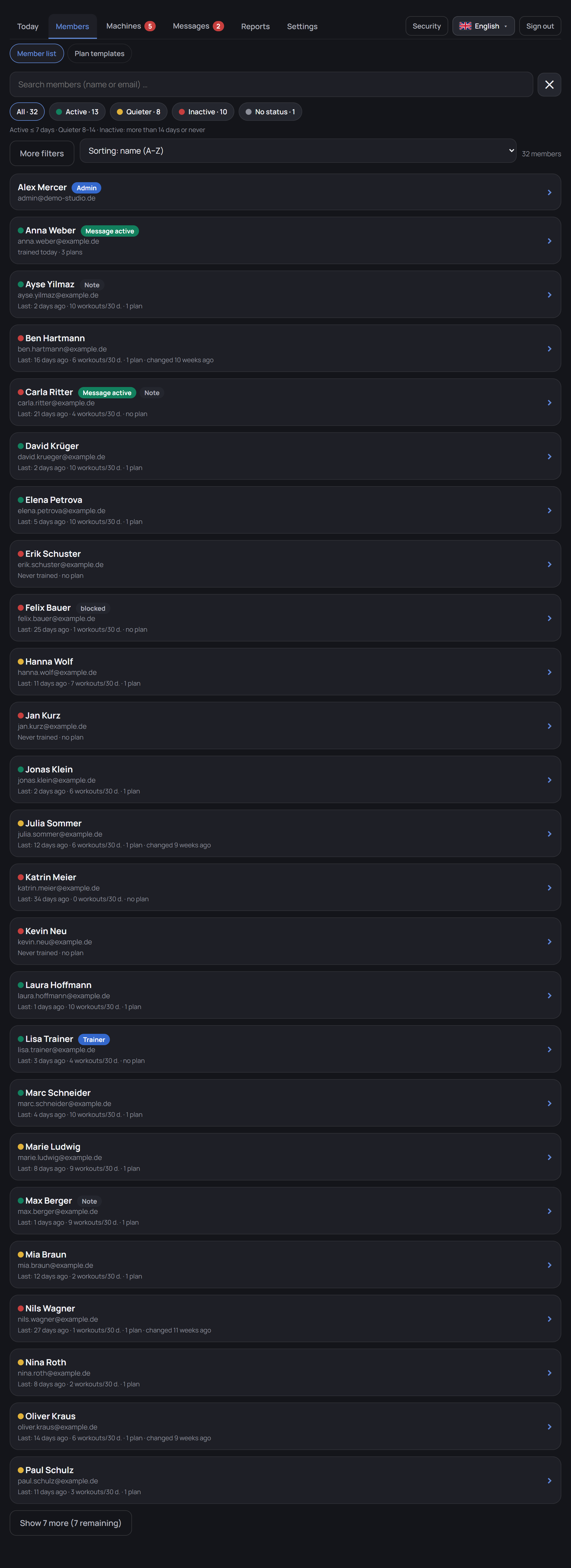
The studio portal: member list with traffic light and filters Open full image ↗

Screenshots from a demo gym with fictional data. Interface details may vary by version.

Support members

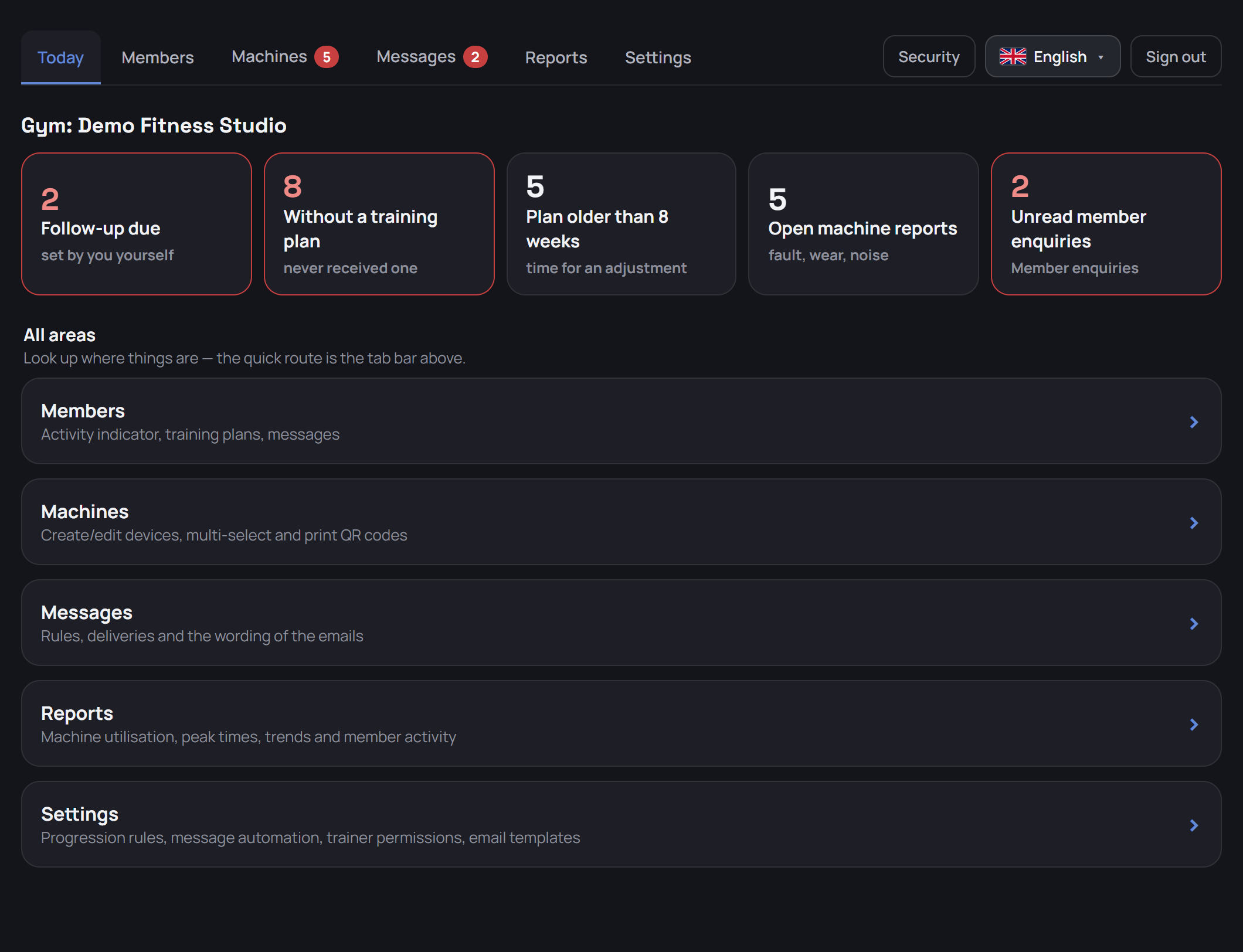
The “Today” page

See what needs attention

Follow-ups, missing or older plans and open equipment reports lead straight to the relevant list. An extra tile highlights unread member enquiries.

Members

A work list for your team

Filter by activity, missing plans, plan age or follow-up dates. Activity is based on synchronised workouts; it is not a record of entry or attendance.

Member profile

Information for individual support

Account details, assigned trainer, follow-up date and plans are available on one page. Internal notes are restricted to authorised team accounts.

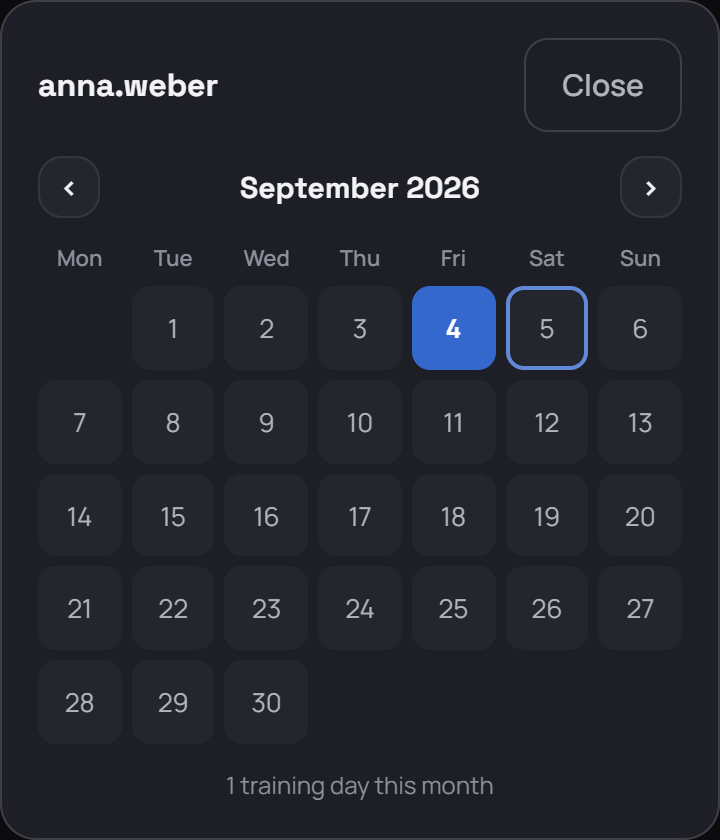
Training days

Understand a member’s training routine

The monthly calendar shows days with recorded sets. It is only visible when training-data sharing is enabled and can be browsed month by month.

Calendar of training days
Automated messages

Contact members at a useful moment

Rules can trigger messages after a number of recorded workouts or a period without a synced workout. Messages appear in the app and optionally by email.

Delivery log

Track message delivery

The log records the rule, recipient, channel and time. An entry records delivery, not whether the message was read or achieved its purpose.

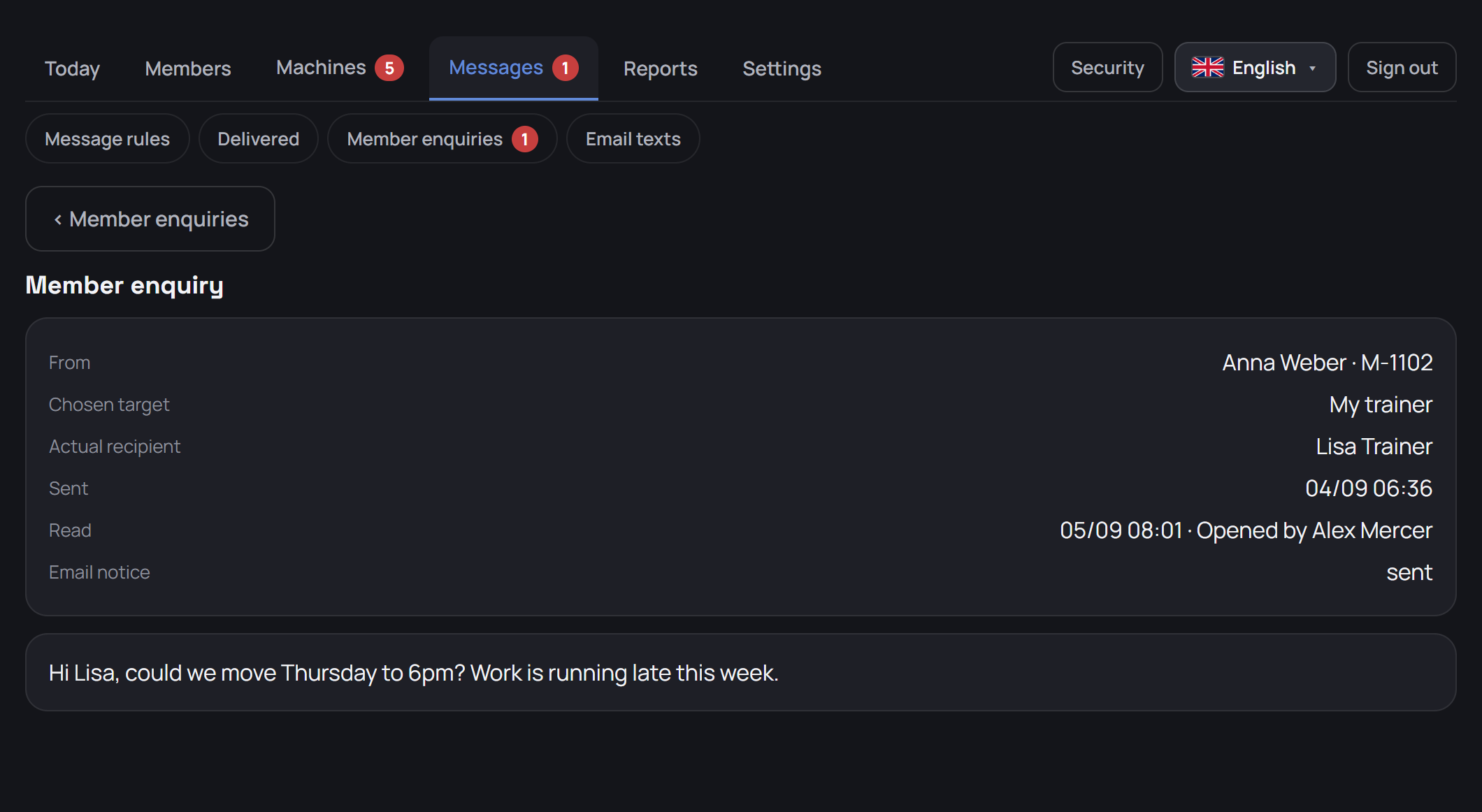
Member enquiries

A direct route to the right team

Members can write to their assigned trainer or gym management from the app. Enable the feature when needed; it is off by default.

Plan training

Plan editor

Build plans for everyday training

Select equipment, arrange exercises and set targets. Members receive the plan in the app when connected.

Splits

Several sessions, one fixed order

A split bundles up to seven sessions – push, pull and legs, for example. Each session is a complete training plan with the same target values and machine settings as a single plan.

Plan templates

Create once, tailor for each member

A shared template library simplifies recurring planning work. Assign a template to several members, then adapt each member’s plan individually.

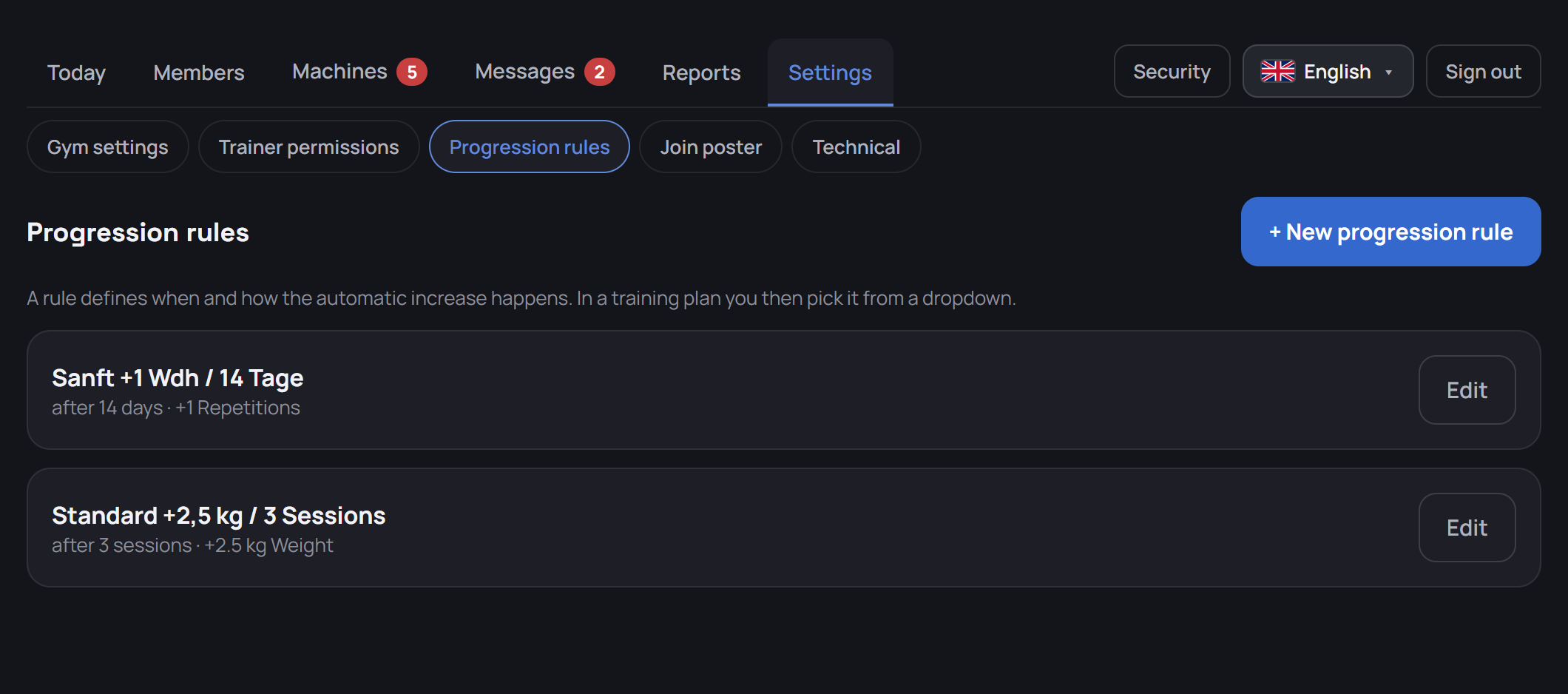
Progression rules

Suggest the next training targets

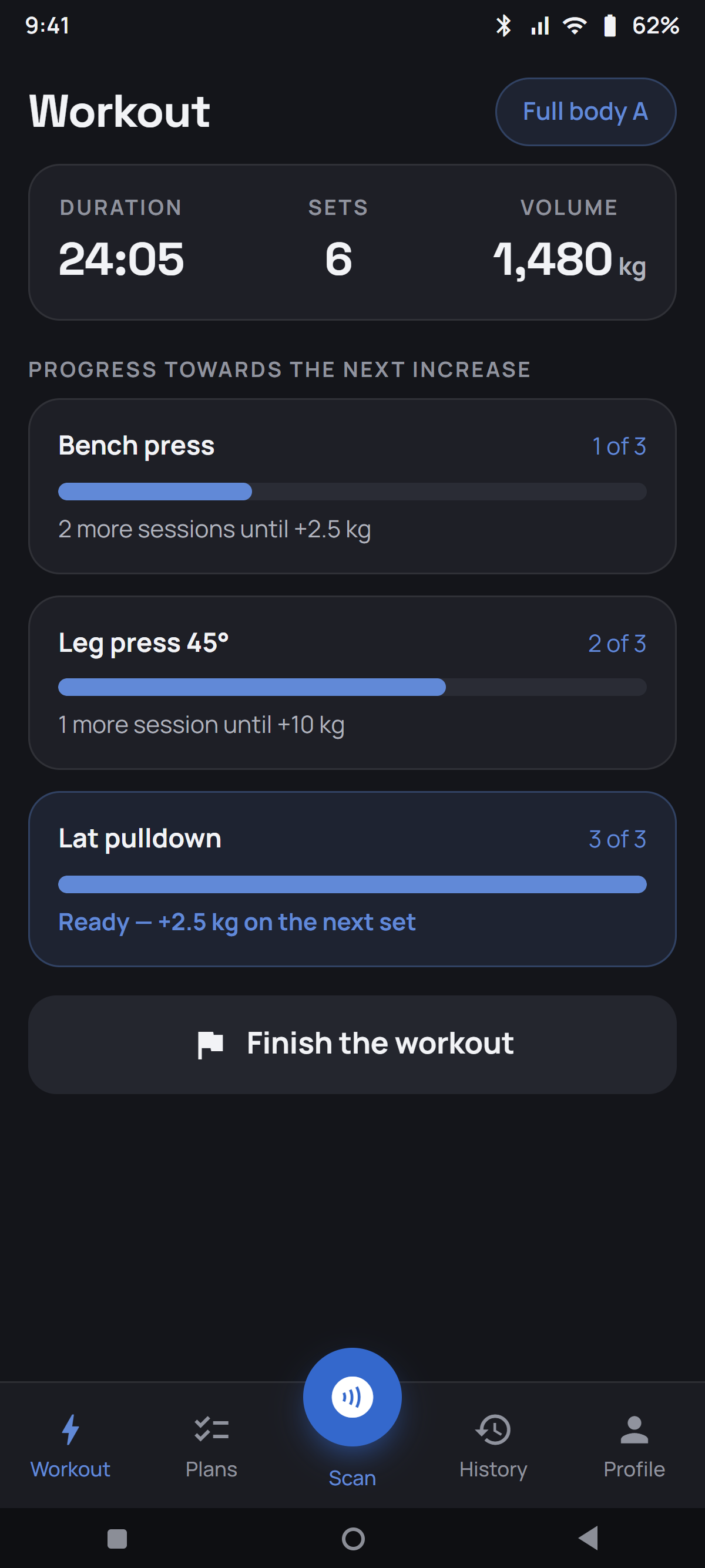
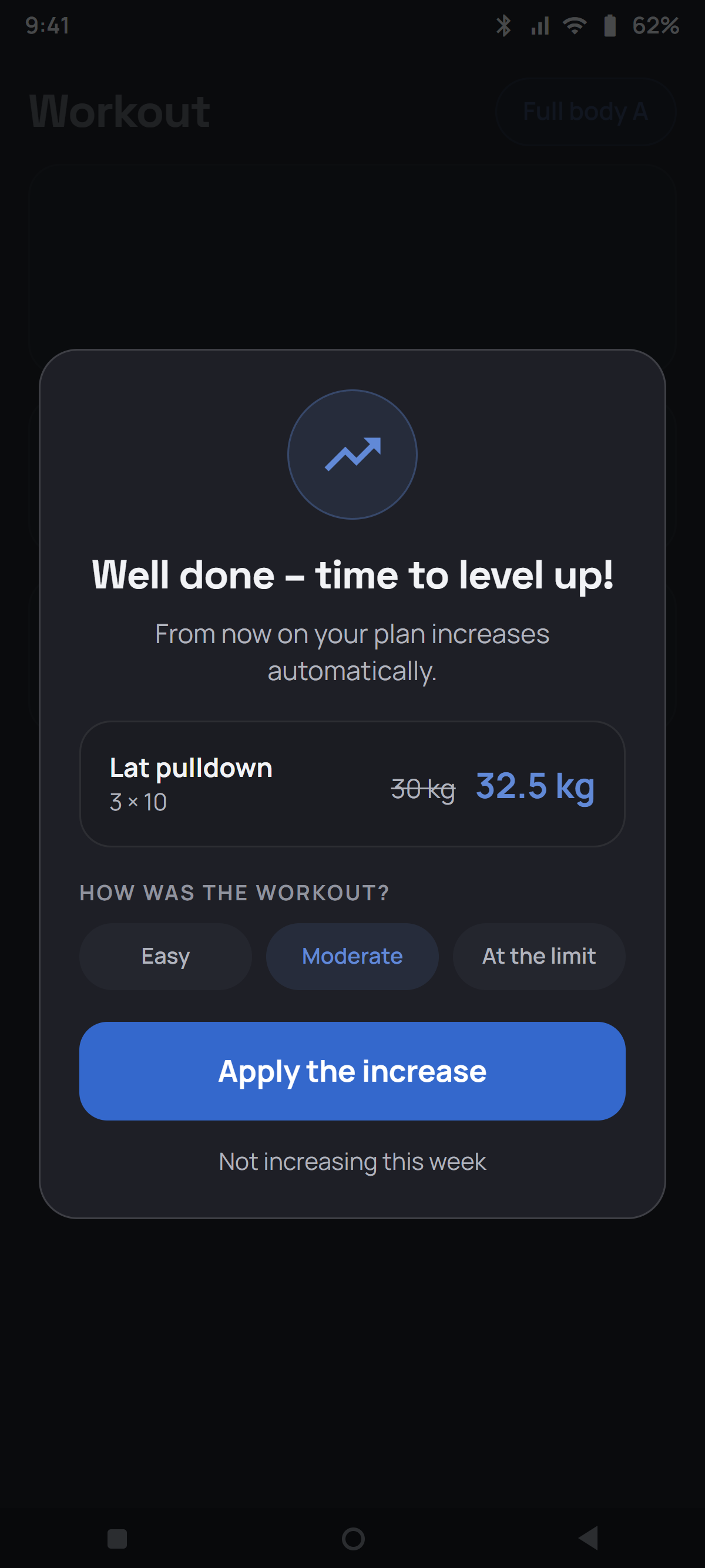
Choose when the app suggests a change, for example after three recorded workouts. The member confirms applying it to the plan.

Manage equipment

Equipment management

Manage a large equipment inventory

Search and filters help with mixed equipment inventories. Update shared settings across several machines in one operation.

Equipment editor

Useful guidance at each machine

Add images, instructions, videos, adjustment fields and suitable training values. Members see the available information once it has loaded in the app.

Equipment reports

Report problems during training

Members choose a category at the machine and can add a description. After successful submission, the report and sender appear in the portal.

Maintenance list

Find and complete missing details

The maintenance list highlights active equipment without an image, instructions, muscle group or scan code. Use it during setup and for ongoing updates.

QR codes and posters

Make joining and scanning easier

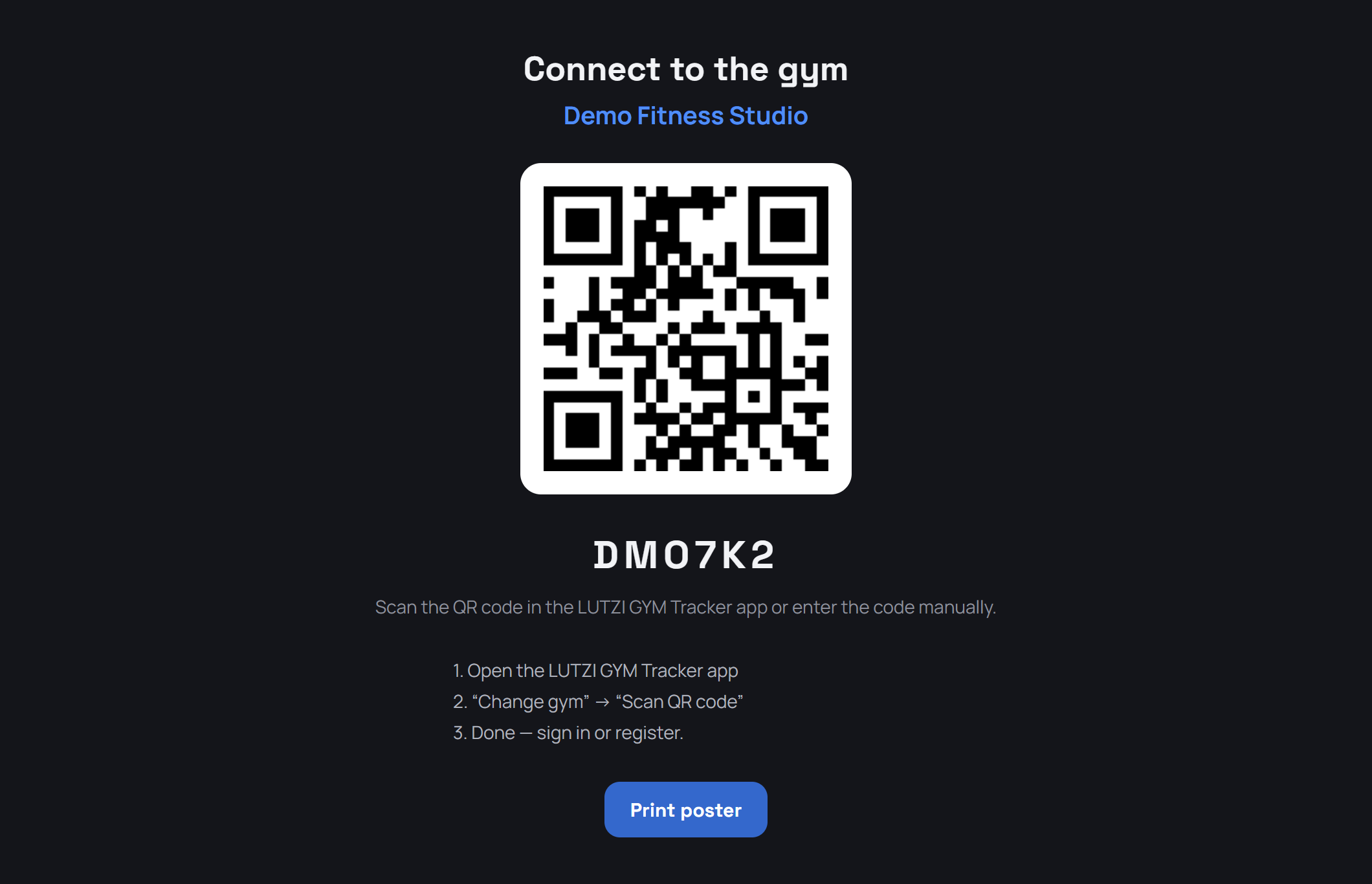
Print QR codes for selected equipment and a joining poster for your gym. The poster helps connect the installed app to your gym; members then create an account.

Reports

Understand recorded usage

Metrics and charts summarise synchronised app data. They cover recorded workouts only and are not a complete measure of gym occupancy.

Organise your gym

Gym settings

Your brand in the app

Your logo, promotional banner and accent colour give the app your gym’s identity. Manage scanning options and optional features in the browser.

Email templates

Your wording for recurring emails

Edit the subject and body for new plans, milestones and the template around automated messages. Placeholders insert the relevant details.

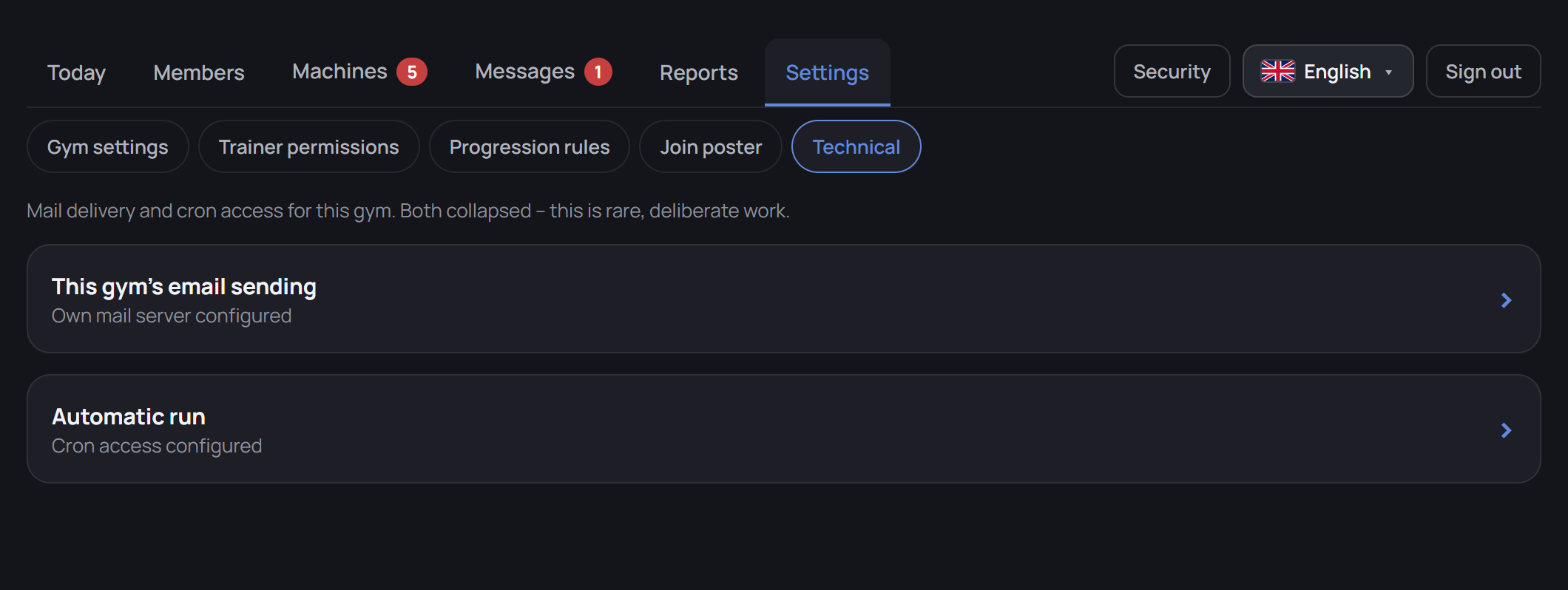
Technical settings

Email delivery and scheduled tasks

Configure your own email sender if needed. Scheduled tasks can run message rules even when nobody has the member list open.

Trainer permissions

Access that fits each role

Assign plan, messaging and equipment permissions to each person. Gym management controls wider settings and access.

Change log

Trace changes made by the team

The log helps gym management review changes to plans, equipment and settings. Changes and sign-ins can be filtered separately.

Usability

For the front desk and gym floor

The portal supports browser back, bookmarks and warnings before leaving unsaved changes. Light and dark themes suit different working environments.

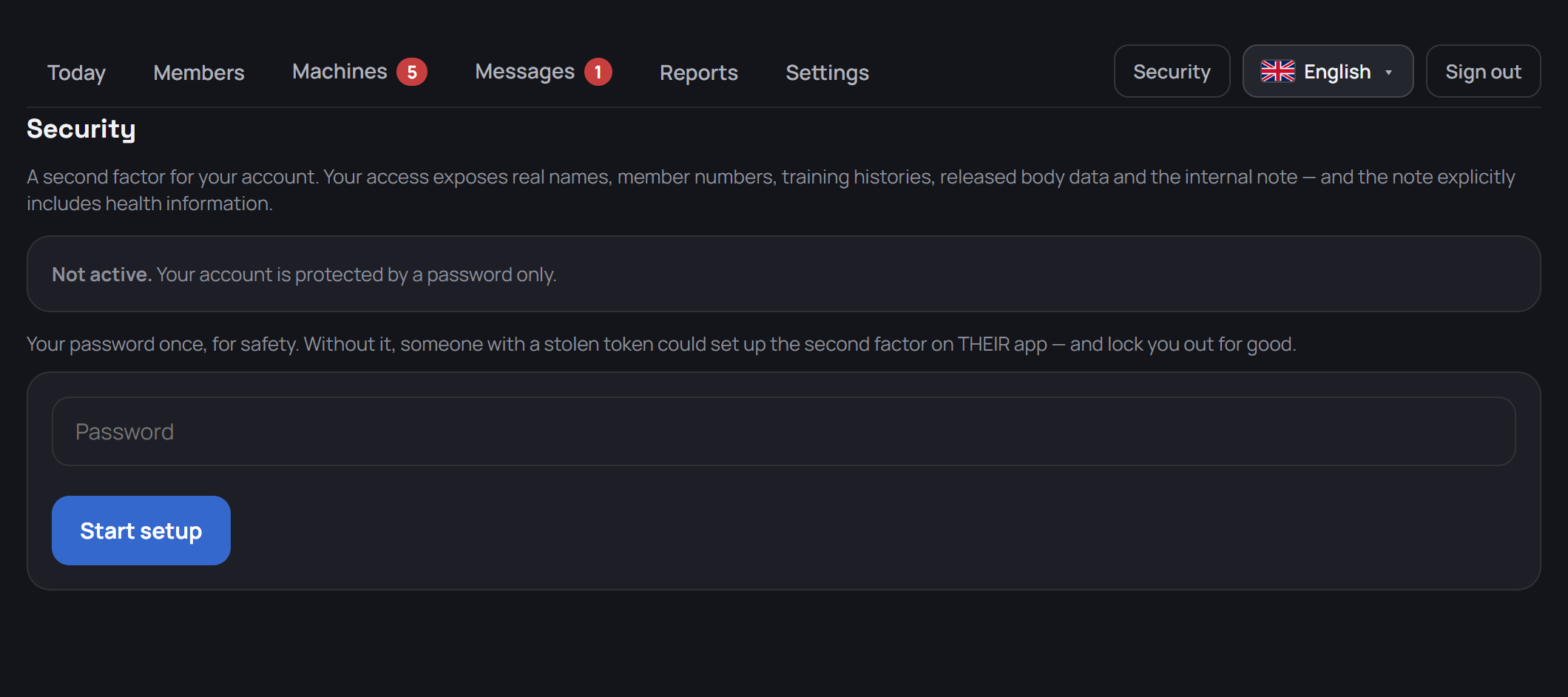
Security

Manage account access and sharing

Gym accounts can be secured with an authenticator app. Management can require trainers to use a second factor.

Next step

Best of all, see it
on your own machines.

We walk through the portal with you and answer your questions. If you wish, we prepare selected equipment from your gym for the demo.